There is no single correct viewing distance for a 120-inch 4K image. The right distance depends on how immersive you like the picture, how many people watch and how the room is arranged.
Start with the physical scale
A 120-inch 16:9 image is about 104.6 inches wide. The merchant's general size guidance has placed 120-inch screens around 3.5–4.0 m (11.5–13.1 ft) viewing distance. Treat that as a comfort reference, not a rule.
Closer vs farther seating
| Seat choice | Experience |
|---|---|
| Closer | More cinematic field of view; small image flaws and alignment issues are easier to see |
| Middle | Balanced immersion for mixed TV, sports and film use |
| Farther | More relaxed viewing; the 120-inch screen feels more TV-like |
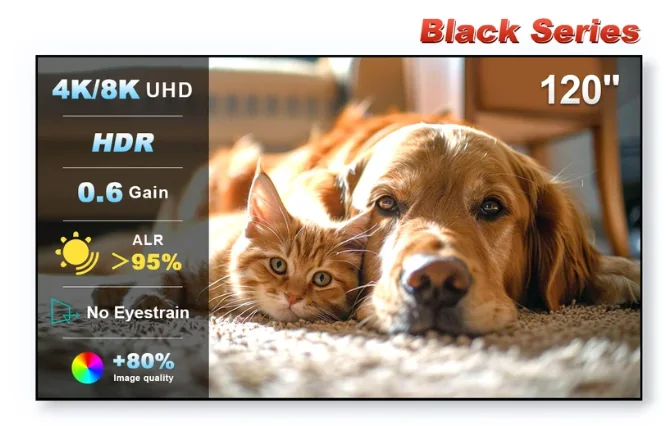
NothingProjector Black Series 120-inch ALR/CLR
Check current regional pricing, stock and merchant terms on the live offer page.
Check current price & availability →Test before drilling
Project onto the bare wall at 120 inches first. Sit in your real chair or sofa for a full movie or game session. If you keep wanting to move back, the screen is too large for your taste; if it feels modest, you may be able to sit closer.
Remember projector placement too
With UST, seat distance is only half the layout. The cabinet depth, projector throw geometry, screen height and soundbar placement all need to work together. Lock the projector and screen geometry before you finalize furniture.