A bright room is not one problem. Ceiling lights, side windows, sunlight hitting the screen and pale reflective walls all affect projected contrast differently.
First identify the light source
- Ceiling light: UST lenticular screens are specifically designed to reject much of this downward light.
- Side windows: curtains, blinds and screen structure both matter.
- Direct sunlight on the screen: this is the hardest case; physical shading is still valuable.
- White walls and ceiling: reflected projector light can bounce back onto the screen and lift black levels.
Pair ALR with enough projector output
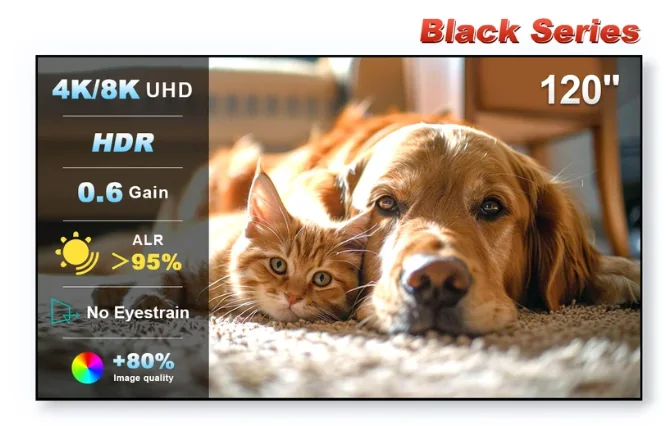
An ALR screen can improve the signal-to-ambient-light ratio, but it does not replace projector brightness. Independent testing of the Black Series has shown that the image remains controlled under room light, while very bright conditions still benefit from a higher-output UST projector.
Featured screen
NothingProjector Black Series 120-inch ALR/CLR
Check current regional pricing, stock and merchant terms on the live offer page.
Check current price & availability →Why screen direction matters
UST ALR materials are engineered around the projector sitting below the image. The screen is not simply “gray fabric”; its optical direction is part of the system. Correct orientation and flat installation are essential.
A practical bright-room recipe
- Block direct sunlight from landing on the screen.
- Use a UST-specific ALR/CLR surface.
- Choose projector brightness with the screen's gain in mind.
- Reduce glossy nearby surfaces where practical.
- Calibrate picture mode for the light conditions you actually use.